
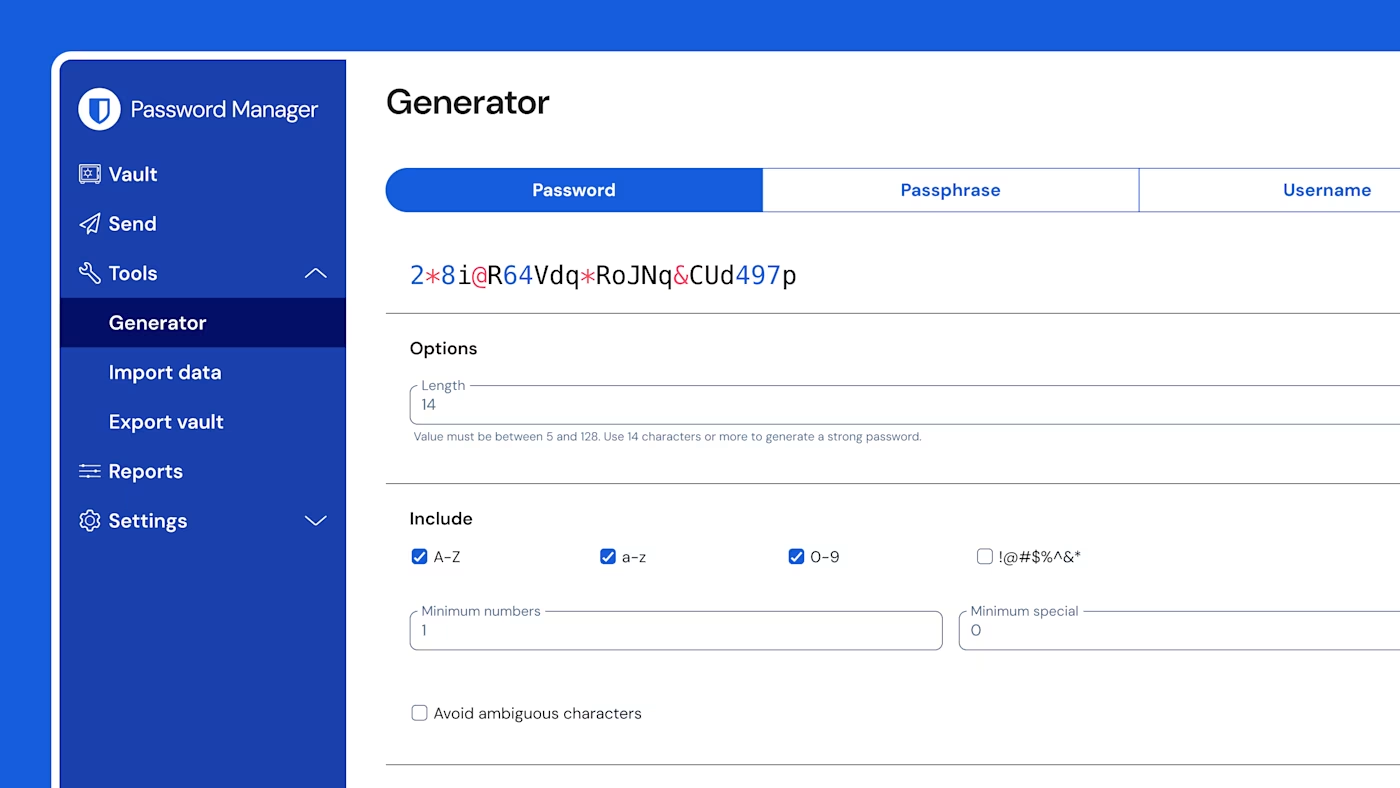
Generate, save, and autofill
Protect every account with strong and unique passwords and passkeys, saved securely across unlimited devices, and autofilled instantly.
Bitwarden password manager features include encrypted vault storage, autofill, breach monitoring, enterprise access controls, and self-hosting for complete credential security.
Desktop App
Browse, search, and manage your vault from a familiar three-panel interface on Windows, macOS, and Linux.
Your complete vault at a glance: folders, collections, search, and item details in one view.
Protect every account with strong and unique passwords and passkeys, saved securely across unlimited devices, and autofilled instantly.
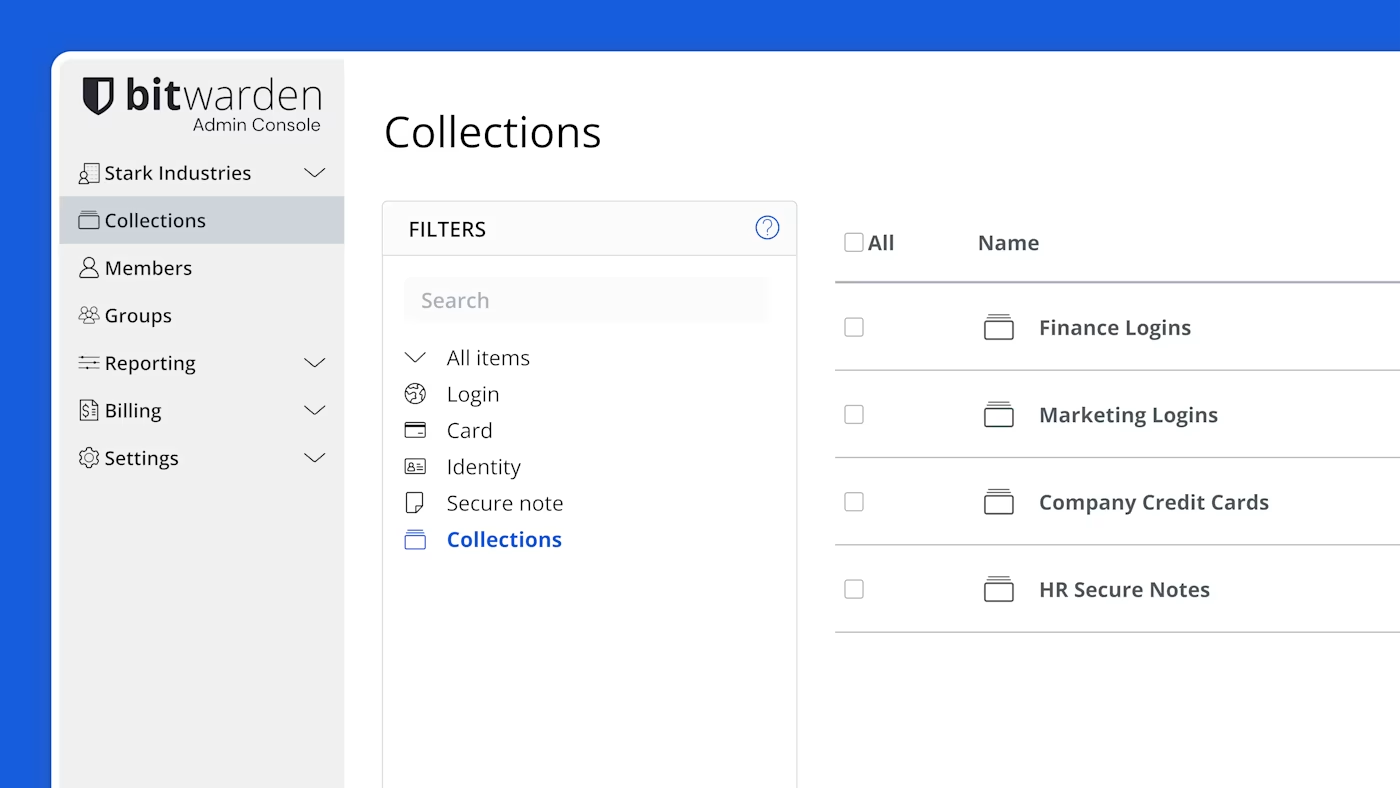
Manage your organization with access controls, policies, centralized item ownership, and security reports all from one place.
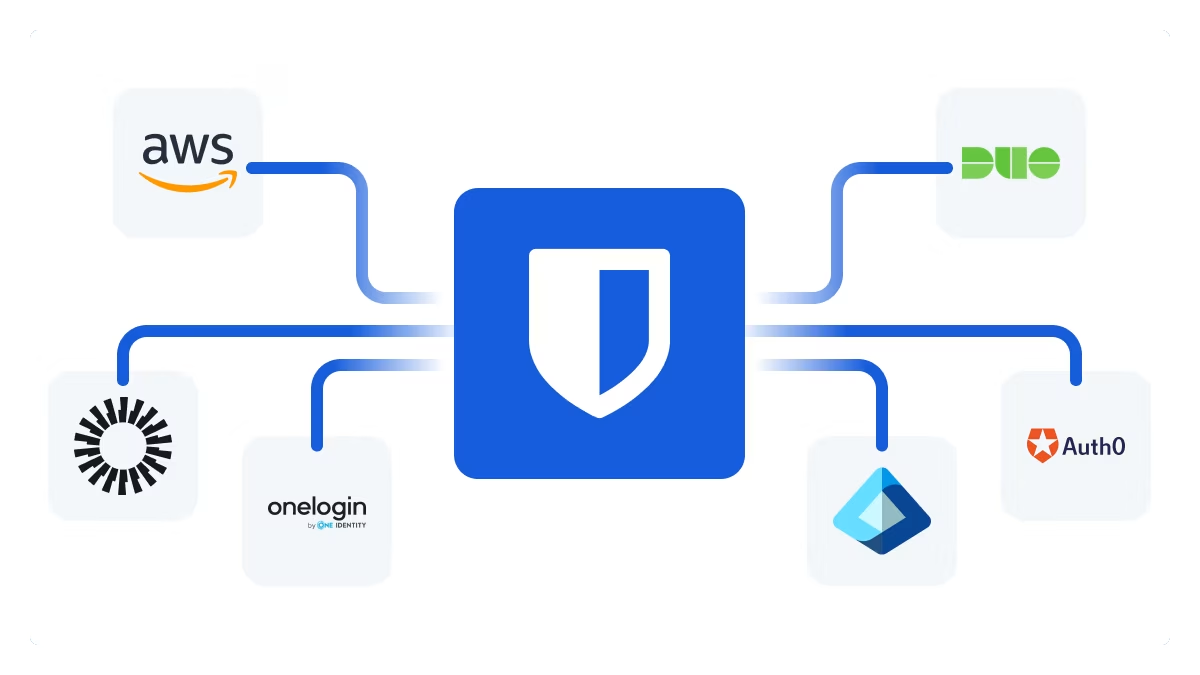
Add Bitwarden seamlessly to your existing tech stack with easy integrations with your SSO provider, directory service, SIEM tool, AI agents, and anything your business relies on.
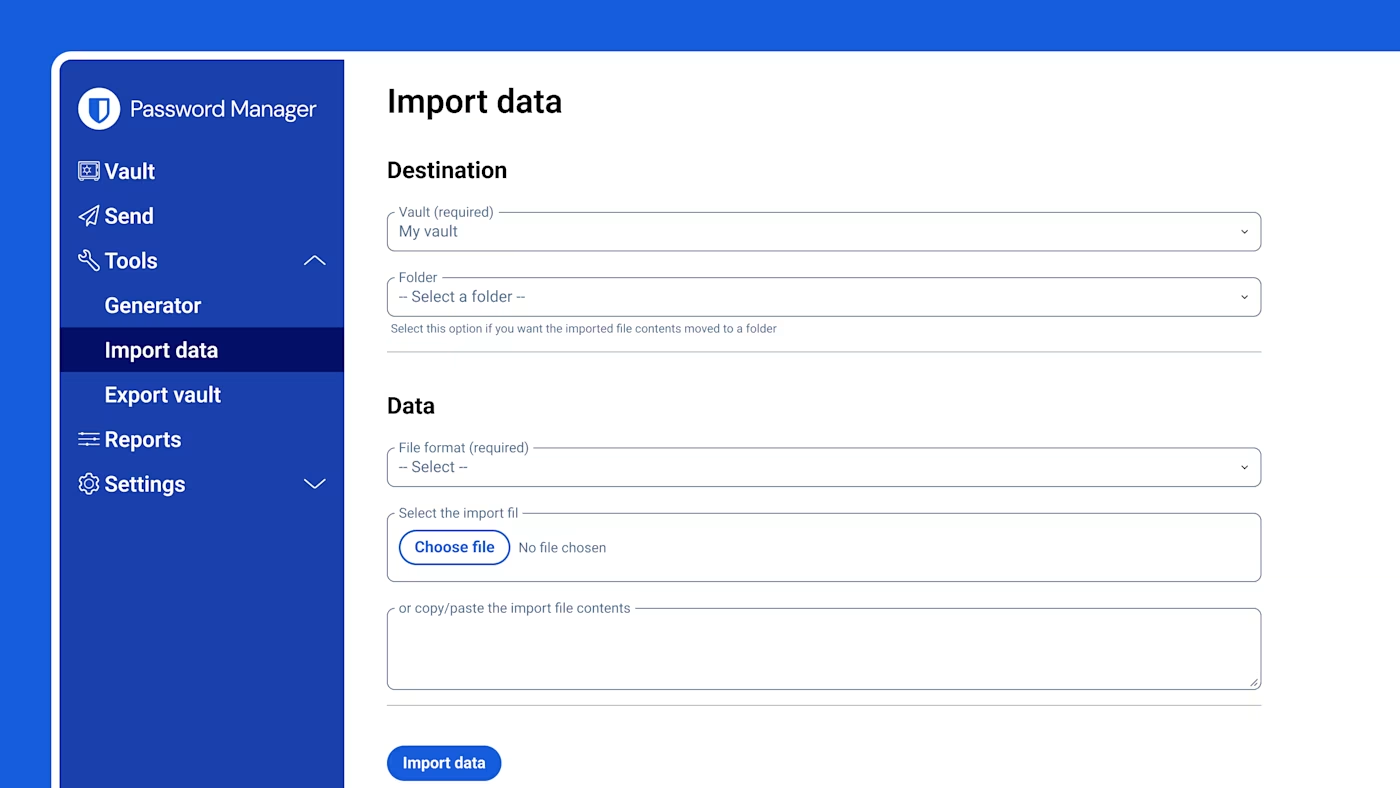
Move passwords from browsers or other managers to Bitwarden in minutes.
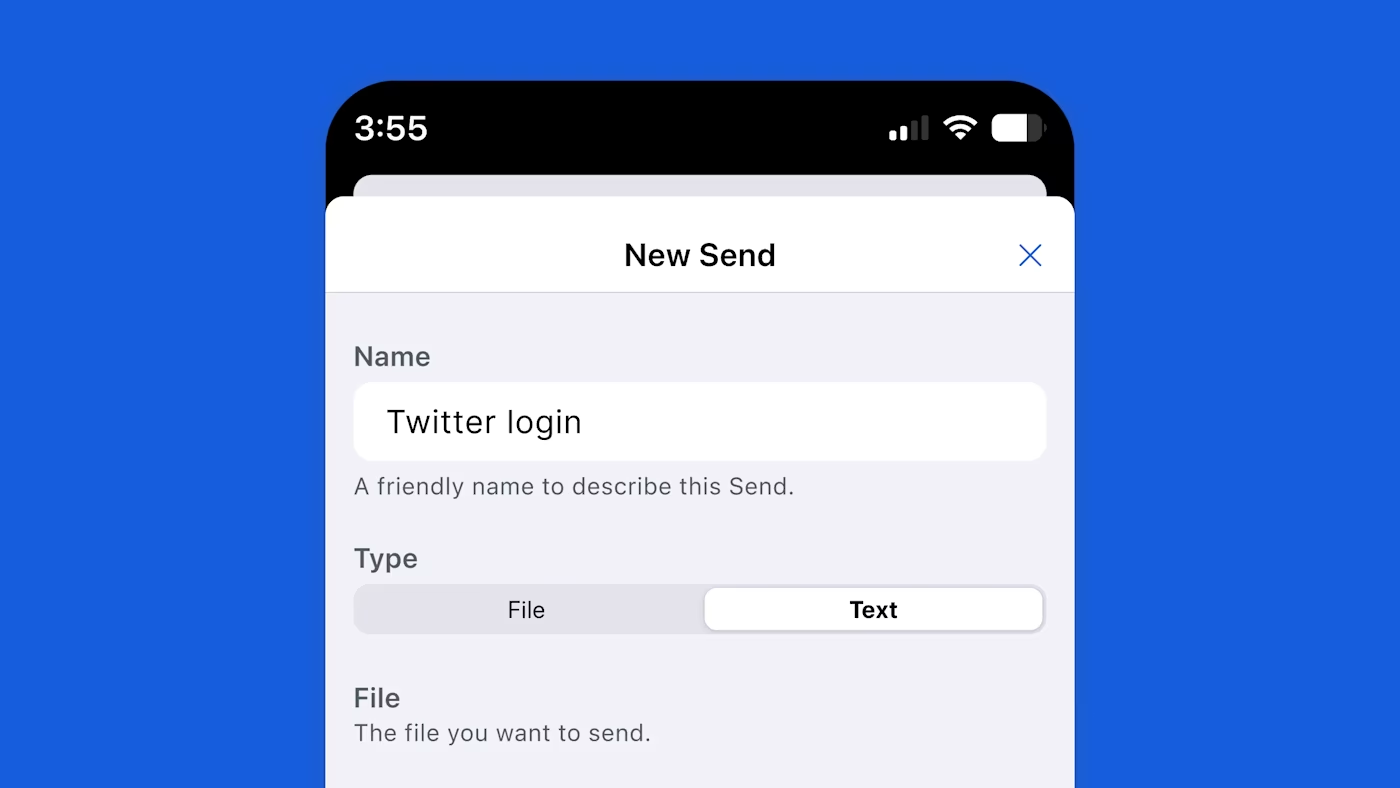
Use organization collections to share with teammates or Bitwarden Send to transmit encrypted text and files to anyone.
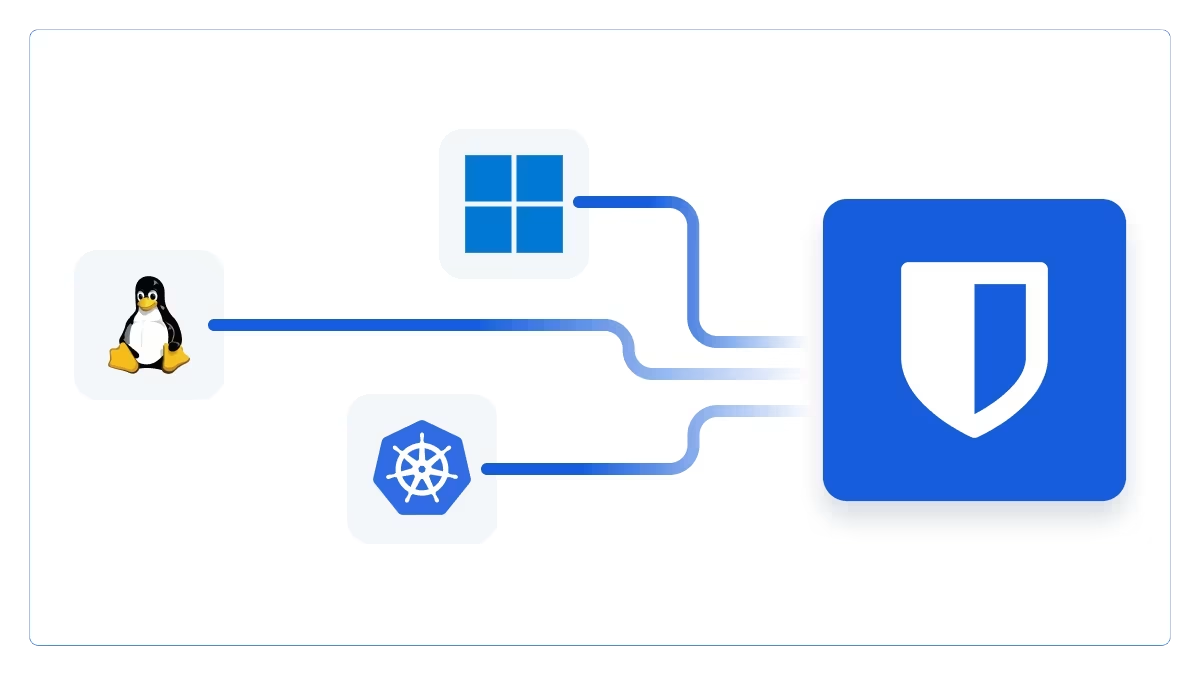
Host Bitwarden on-premises or in your private cloud for full data sovereignty.
Download Bitwarden and start securing your credentials with the full feature set available on your platform.
Download Bitwarden